
Colleges
Engineering, management, commerce, arts and science colleges seeking practical AI project work.
 Skip to main content
Hands-on programs where students and faculty build bounded AI projects, not just theory. On campus or online, with supervision, project evidence and a completion or participation certificate, depending on the programme.
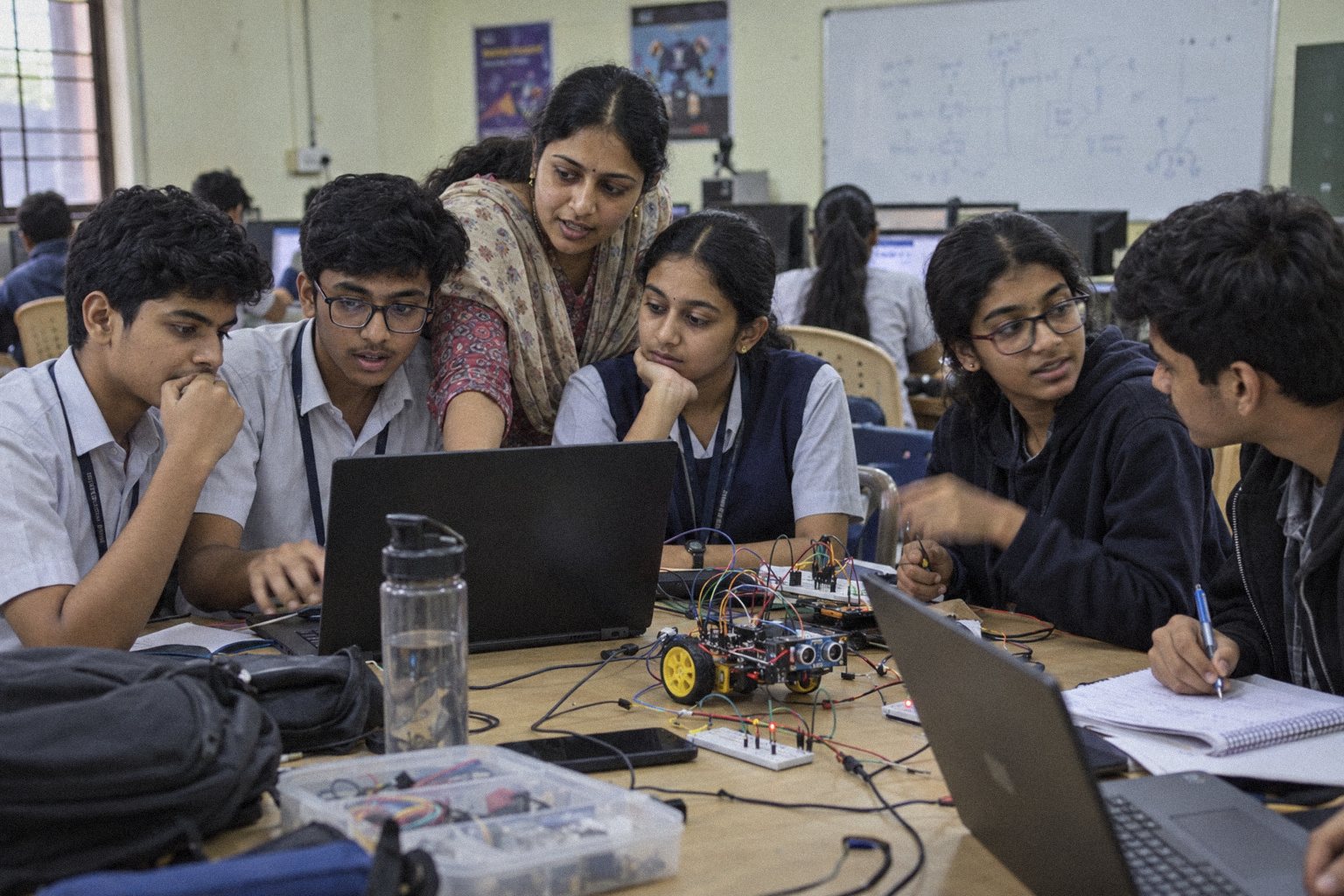
Now accepting enquiries for our initial campus programs.

Hands-on AI sessions where students and faculty build and test their own AI agents.
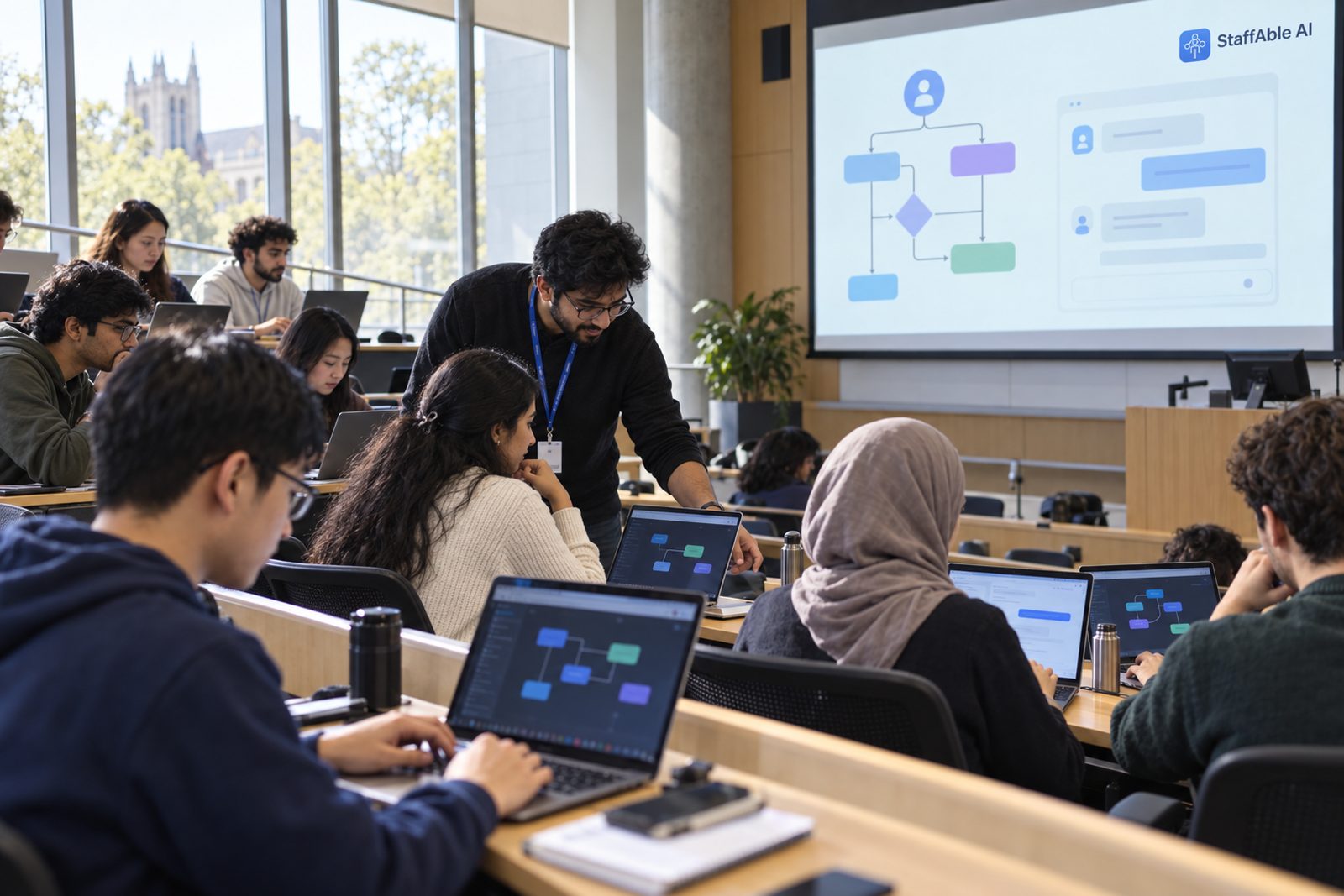

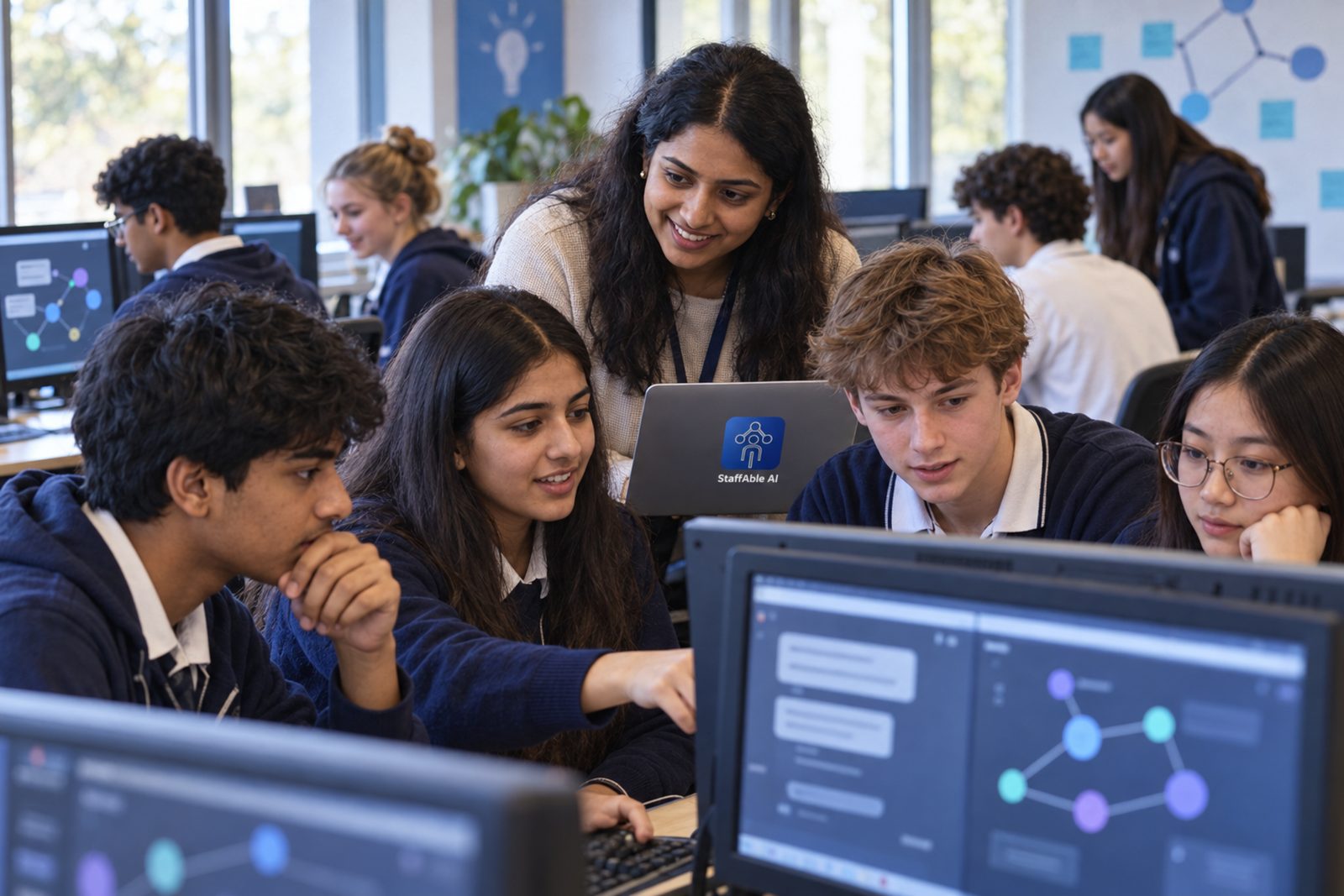
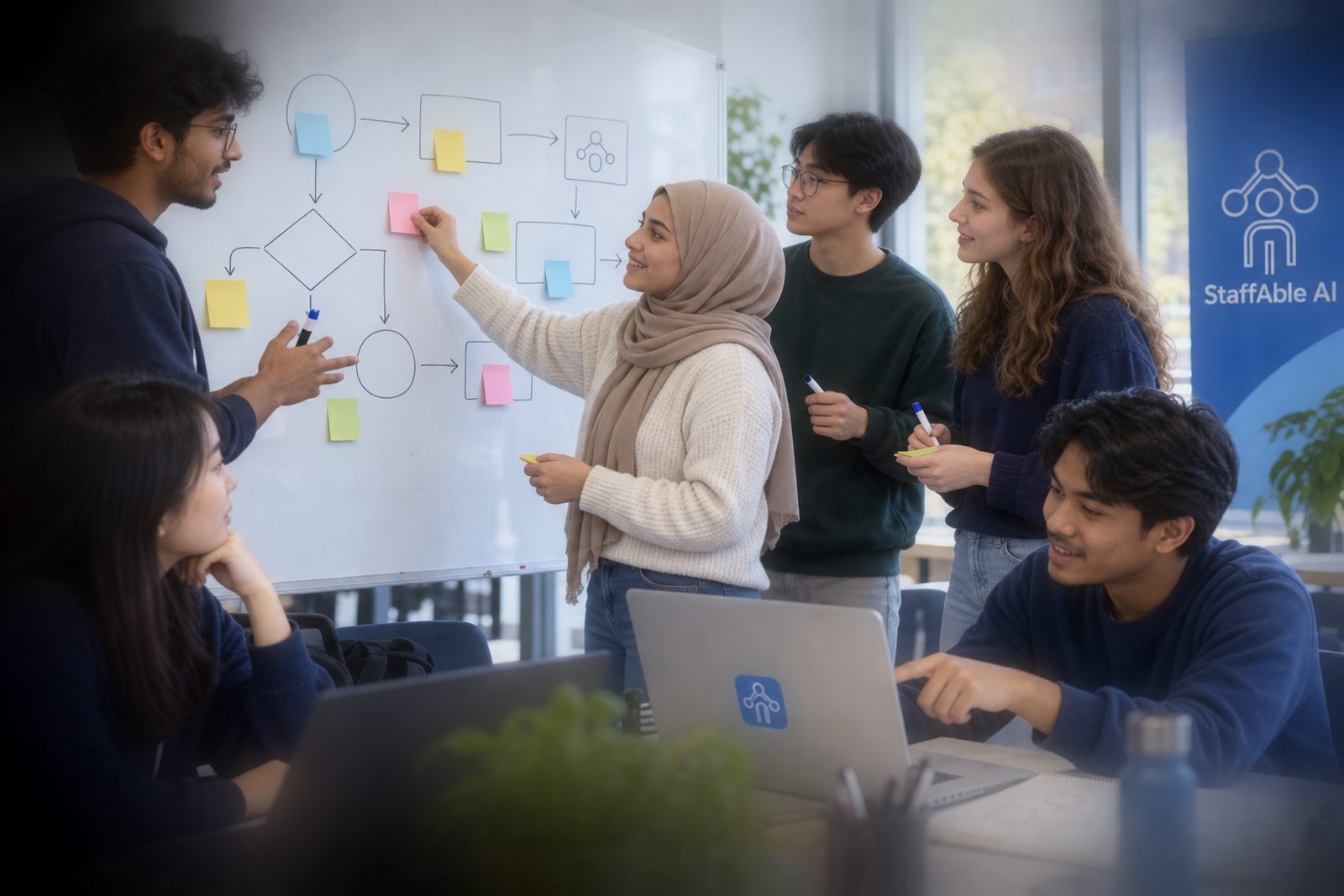
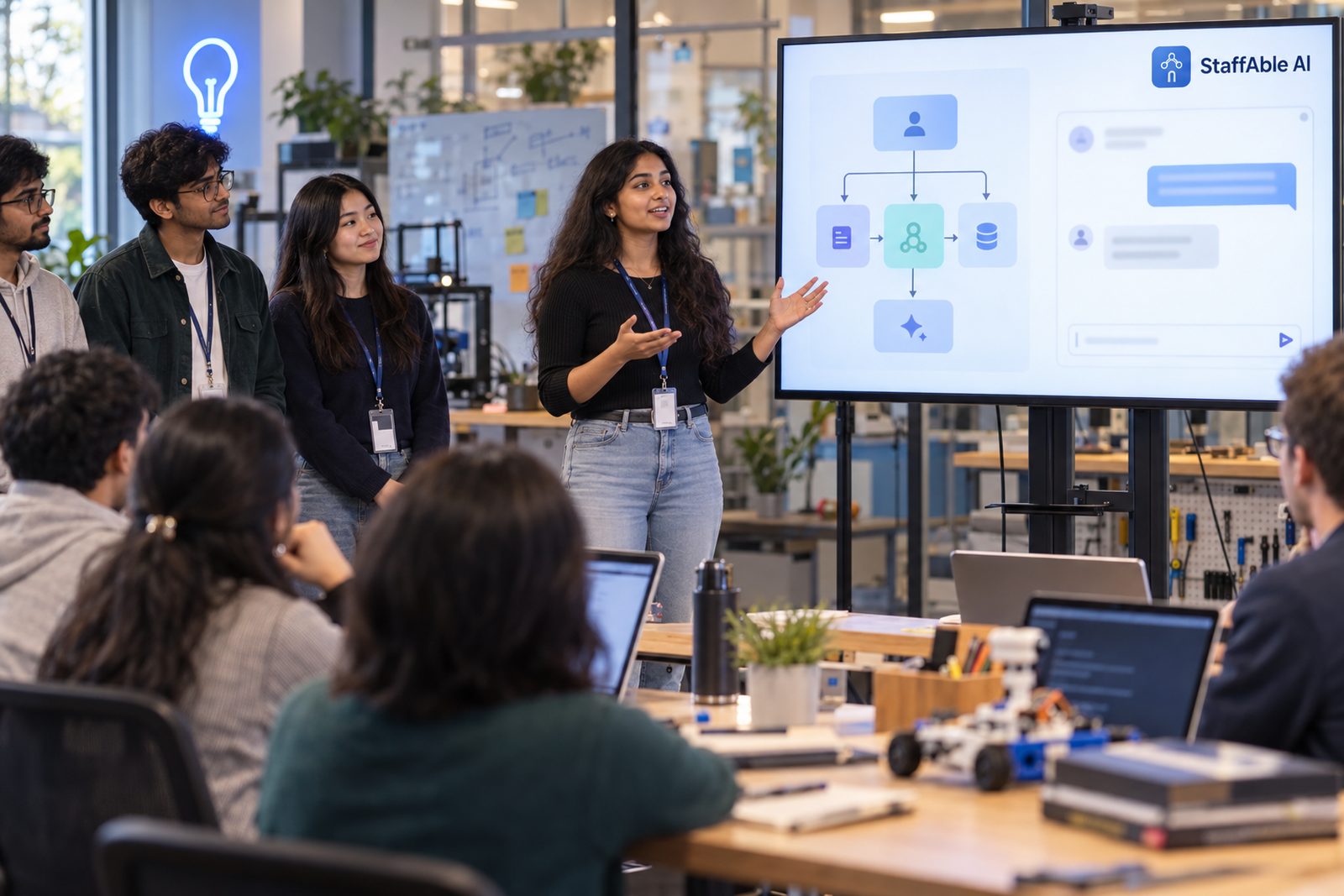
Programs can be scoped for a single cohort, a faculty group, or a wider institutional rollout.
Engineering, management, commerce, arts and science colleges seeking practical AI project work.
State, private and deemed universities planning faculty and student AI capability.
Classes 9–12 programs with teacher-present, age-appropriate supervised learning and defined safeguards.
Hands-on AI project learning connected to technical and employability pathways.
Structured cohorts that add practical AI builds alongside existing learning programs.
Portfolio-building AI cohorts for final-year and pre-final-year students.
Every engagement is scoped around learner age, timetable, prerequisites, lab readiness and safe operating boundaries. Outcomes are supported targets, not guarantees, and depend on attendance and completion.
Scoped in your proposal
Scoped in your proposal
Scoped in your proposal
Scoped in your proposal
Scoped in your proposal
Bounded project briefs support learning to build, test, explain and recognise limits without claiming a live deployment.
Answers from selected campus information.
Creates a structured revision plan.
Runs role-based practice questions.
Organises a sample event workflow.
Turns approved notes into revision questions.
Summarises selected notice content.
Uses synthetic enquiry data only.
Answers from selected library guidance.
Explains approved process information.
Guides a learner through milestones.
Projects use synthetic data or approved non-personal materials only. For schools, synthetic or curated teaching materials are the default.
Students design, build and test a bounded AI agent on synthetic data, with supervision — and can explain exactly what it does, and what it must not do.
Module selection varies by program, learner level, tool eligibility and available delivery time.
Completion depends on attendance and the agreed program requirements. Programs support learners to produce project evidence; they do not guarantee employment, academic credit or other outcomes.
Each learning prototype can be documented through a project card describing the problem, boundaries, inputs, testing and what the learner can explain.
Eligible faculty receive the relevant lab kit and facilitation materials for institution use under the agreed licence. Observed delivery records demonstrated practice, not a blanket authorisation to teach or supervise all AI work.
Participants who meet the agreed requirements receive a StaffAble AI certificate of completion with a verifiable ID.
Certificate clarification: It recognises programme completion, not academic credit, a university qualification or external accreditation. “Campus AI Facilitator” is StaffAble AI’s completion title, not a professional certification.
Certificate verification and showcases: verification confirms completion to someone the participant shares the link with; it does not create a public, searchable profile. Showcases are internal by default. A private demonstration is the default, and retention for certificates, demonstrations, recordings and any showcase materials is agreed with the institution. Recordings and public showcases are off by default for minors and require separate, specific permission; a private alternative is always available.
No guarantee of placement, internship, job or salary — we teach demonstrable skills and support learners to produce evidence of them.
A readiness process helps institutions plan delivery without asking learners to use personal accounts or live data.
We understand learners, age bands, goals, timetable, delivery context and institutional boundaries.
We document the proposed learning scope, delivery format, tools and responsibilities.
Before enrolment or account provisioning, we confirm tool age limits, terms, approvals, permissions and suitable alternatives.
Faculty co-facilitate hands-on sessions with learners under the agreed safeguarding and moderation plan.
Project evidence, certificates of completion and agreed materials are handed over under agreed retention arrangements.
You provide a lab or laptops, internet, eligible accounts where applicable and a faculty coordinator; we send a full checklist. Optional continuation may include a Campus AI Club and remote clinics, subject to the agreed scope and safeguarding arrangements.
Safeguards reduce risk; they do not eliminate it. We set boundaries for data, tools, accounts, supervision and responses to harmful content before delivery.
For any participant under 18, including learners in schools and mixed-age college, ITI or coaching cohorts, we check each tool’s minimum age and terms for your jurisdiction before enrolment. Where a tool does not permit under-18 use, learners do not access it — we use teacher-operated demonstrations or suitable offline or alternative activities instead. No shared or adult-account workarounds.
Delivery for minors requires, before any access or processing: documented institutional approval, the applicable parent or guardian authorisation, and an agreed consent-verification process. Learners who cannot participate are given an alternative activity. Consent does not override a tool’s age limits or terms.
Projects use synthetic data, or specifically approved non-personal, non-confidential materials the institution has the right to use. Institutional approval does not permit uploading personal student records or other restricted data. For schools, synthetic or curated teaching materials are the default.
A teacher or nominated staff member supervises every session. Before delivery we agree a named safeguarding contact, conduct rules for our trainers, no private one-to-one or private-chat contact with learners, moderation of any online sessions, and a clear stop-and-report path for harmful content or a disclosure. Our staff do not contact learners privately, during or outside sessions.
We use curated materials, restricted tools where appropriate and teacher review. If harmful, unsuitable or distressing content appears, the activity is stopped, reported through the agreed path and handled by the institution’s safeguarding process. A non-AI or offline alternative activity is available.
Projects use no personal data, but running a program does involve some processing — accounts, attendance, certificates, and any session recordings or showcases. We keep these to a minimum, name the tools used, and set retention and deletion with your institution.
Children’s data: India’s Digital Personal Data Protection Act 2023 sets specific requirements for processing children’s personal data, including verifiable parental consent. We design programs to avoid processing children’s personal data and confirm the applicable requirements with your institution before delivery. This is not legal advice.
Roles and responsibilities for each processing activity are documented in the agreement or data-processing terms. India uses the terms Data Fiduciary and Data Processor. We state our own responsibilities rather than placing all of them on the institution. Read how we handle data and our Privacy Policy.
Founder-led by Neelabja Saha in Kolkata, using the same build-first method as our corporate workshops. A sample handover pack and project card are available on request.
Participants who meet the agreed requirements receive a StaffAble AI certificate of completion with a verifiable ID. It recognises programme completion, not academic credit, a university qualification or external accreditation.
No. We do not guarantee placement, internship, job or salary outcomes. We teach demonstrable skills and support learners to produce evidence of them.
Yes. Programs can be designed for learners from any stream. The right starting point depends on their level, attendance, timetable, tool eligibility and project scope.
You provide laptops or a lab, reliable internet, eligible accounts where applicable and a faculty coordinator. We send a readiness checklist before delivery. For minors, tool eligibility is confirmed before enrolment or account provisioning.
Your institution receives the agreed handover materials and licensed-for-institution-use lab kit. Third-party tools remain subject to their own terms and licences.
No. This is a training and handover program. Any third-party tools used are selected during readiness, remain subject to their own terms and must be appropriate for the participant age and jurisdiction.
Projects use synthetic data, or specifically approved non-personal, non-confidential materials the institution has the right to use. Institutional approval does not permit uploading personal student records or other restricted data. For under-18 participants, we check each tool’s minimum age and terms for the jurisdiction before enrolment. If a tool does not permit under-18 use, learners do not access it; we use teacher-operated demonstrations or suitable offline or alternative activities instead. No shared or adult-account workarounds. Delivery for minors requires documented institutional approval, applicable parent or guardian authorisation and an agreed consent-verification process before any access or processing. Learners who cannot participate receive an alternative activity.
No. Private demonstration is the default and showcases are internal by default. Certificate verification confirms completion only to someone the participant shares the link with; it does not create a public, searchable profile. Recordings and public showcases are off by default for minors, require separate specific permission, and always have a private alternative. Retention and deletion are agreed with the institution.